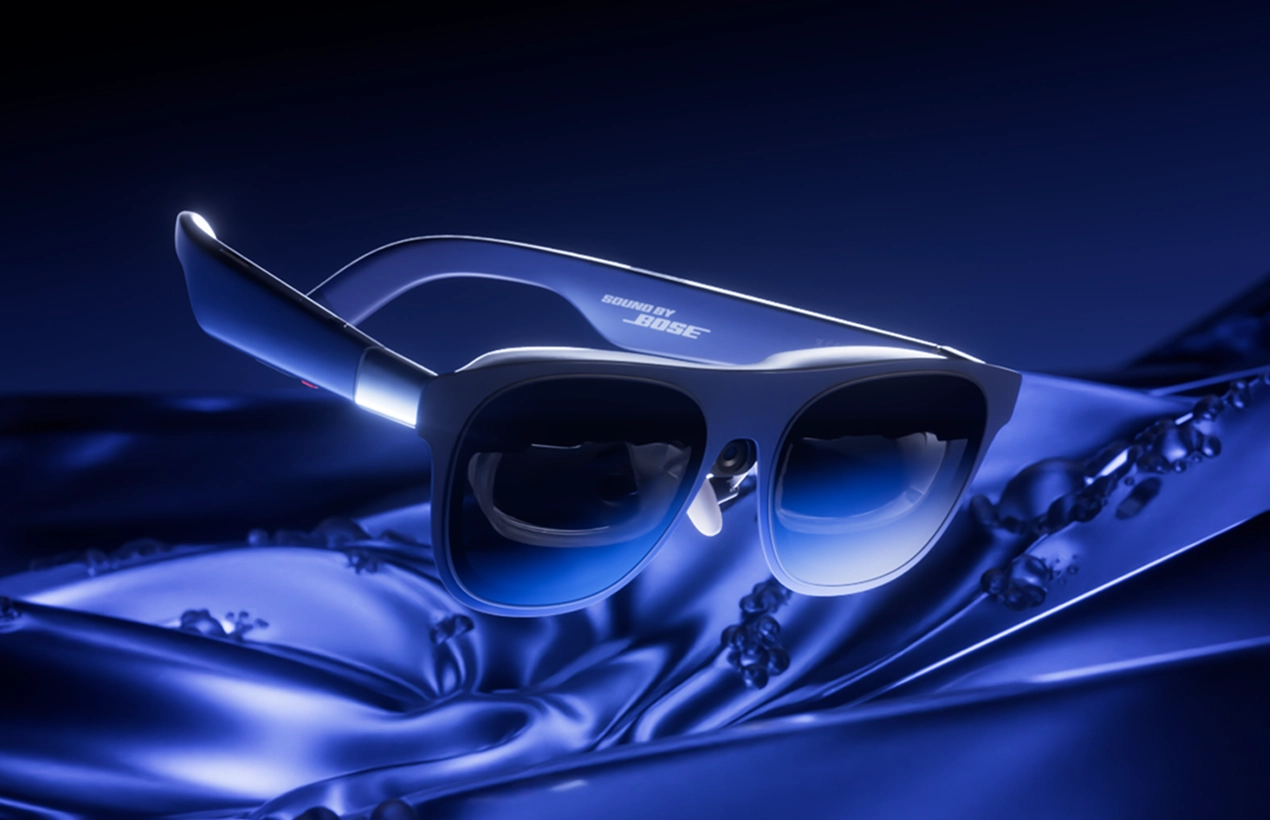

RayNeo Air 3S vs. Portable Monitors: Which is Better for Travel?
If you’ve ever tried to set up a dual-screen workstation on a cramped economy tray table, you know the struggle. The “digital nomad” dream usually involves lugging around a 15.6-inch slab of plastic that fights your laptop for desk space.
But what if your second monitor wasn’t a screen you carried, but a screen you wore?
Enter the RayNeo Air 3S. These aren’t just smart glasses; they are a direct challenger to the portable monitor market. Today, we’re pitting the RayNeo Air 3S against the standard 15-inch portable monitor to find out which device actually earns its spot in your carry-on.

Portability & Form Factor
Winner: RayNeo Air 3S
This is the most immediate difference. A standard portable monitor (even a slim one) requires a protective sleeve, a stand, and a dedicated slot in your backpack. It adds about 1.5 to 2.5 lbs to your load.
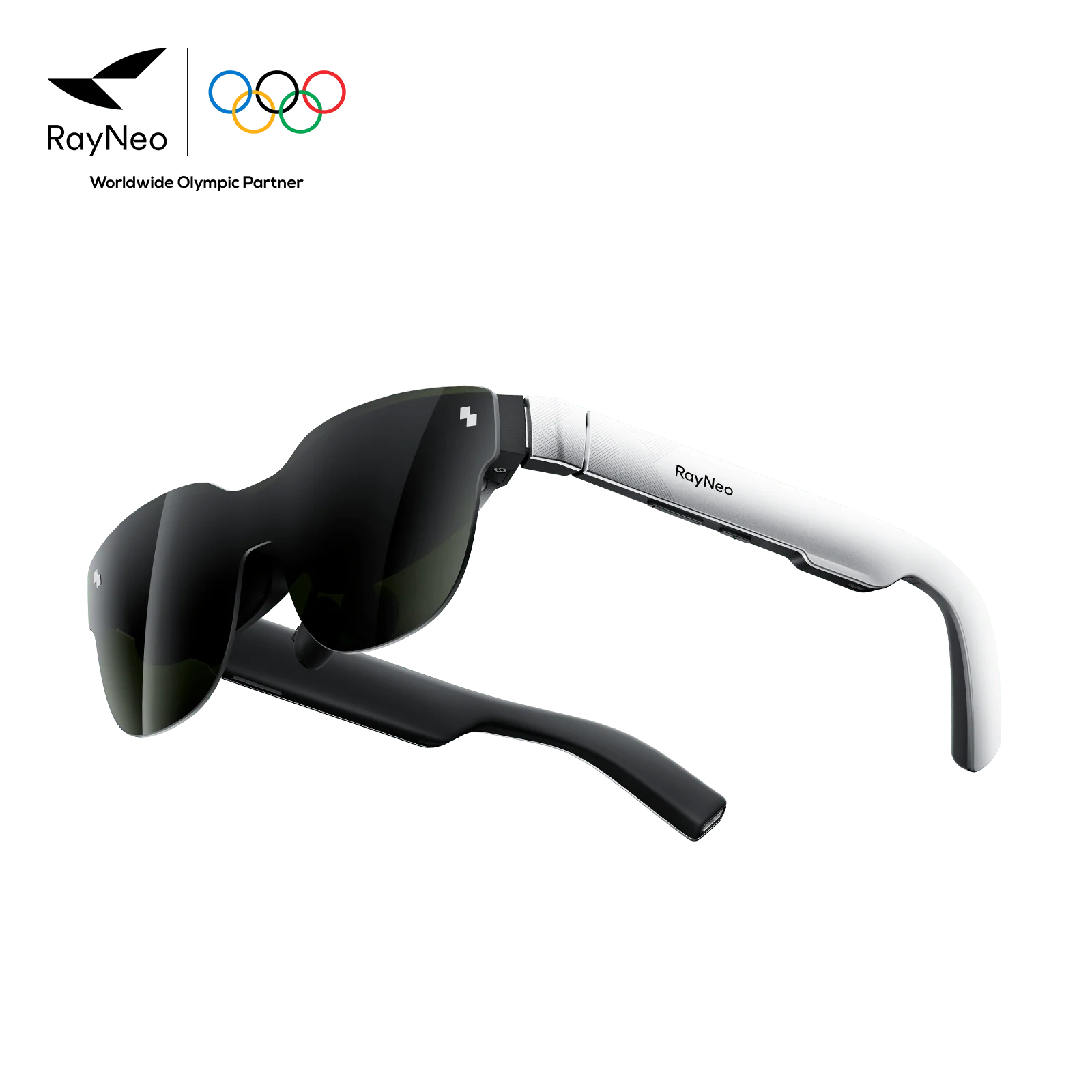
The RayNeo Air 3S weighs just 76 grams. It fits in a hard shell case the size of a sunglasses holder. You can slip it into a jacket pocket. When every inch of bag space counts, especially on budget airlines with strict carry-on limits, the glasses win by a landslide.
The “Tray Table” Test (Ergonomics)
Winner: RayNeo Air 3S
Let’s go back to that airplane seat.
- Portable Monitor: You need surface area. You have to balance the monitor next to your laptop, often angling it awkwardly to avoid hitting the seat in front of you. If the person in front reclines, your setup is crushed.
- RayNeo Air 3S: You don’t need any desk space. You plug the glasses into your phone or laptop, lean your head back against the headrest, and look forward. The screen floats in front of you regardless of your posture. You can work fully reclined without neck strain.
Privacy & Security
Winner: RayNeo Air 3S
This is an underserved topic in travel tech reviews. If you are working on sensitive documents, client contracts, or unreleased content in a coffee shop or airport lounge, a portable monitor is a billboard. Everyone walking behind you can see your data.
The RayNeo Air 3S acts as a natural privacy filter. Only you can see the 201-inch virtual screen. To the person sitting next to you, you’re just wearing sunglasses. For business travelers handling NDAs or proprietary data, this feature alone justifies the switch.
Screen Real Estate & Clarity
Winner: Portable Monitor (for text), RayNeo (for immersion)
Here is where the portable monitor fights back.
- Portable Monitor: You get a physical 1920×1080 (or 4K) panel. It is edge-to-edge sharp. If you are staring at complex Excel spreadsheets with tiny cells for 6 hours, a physical IPS or OLED panel still offers better static text clarity than current AR optics, which can suffer from slight edge blurring.
- RayNeo Air 3S: The virtual screen is massive, simulating a 201-inch theater display. The Micro-OLED contrast is stunning for video editing, watching movies, or gaming. However, you may need to adjust the glasses slightly to see the extreme corners of the screen perfectly.
Versatility
Winner: Tie (Dependent on Use Case)
- For Collaboration: The Portable Monitor wins. You can turn the screen around to show a colleague a presentation. You can’t share your AR glasses view easily.
- For Media Consumption: The RayNeo Air 3S wins. Watching Deadpool & Wolverine on a massive virtual OLED screen while blocked off from the noisy cabin is a superior experience to squinting at a dim laptop screen.
The Verdict: Who Should Buy What?
Choose the Portable Monitor If:
- You work exclusively with heavy spreadsheets or tiny text interfaces.
- You frequently need to show your screen to other people during meetings.
- You prefer your screen anchored in one spot rather than moving with your head.
Choose the RayNeo Air 3S If:
- You value privacy: You work with sensitive info in public spaces.
- You travel light: You want a cinema-grade setup that fits in your pocket.
- You want comfort: You want to work or game without hunching over a laptop screen (great for saving your neck!).
Monarch’s Take: For the modern creator on the move, the RayNeo Air 3S isn’t just a gadget; it’s a workflow unlock. It allows you to edit content or engage with your community from literally anywhere, without unpacking your entire bag. Want our full rundown? Make sure to check out our RayNeo Air 3S Review.