Ray-Ban Meta Gen 3 Review: Worth the Upgrade?
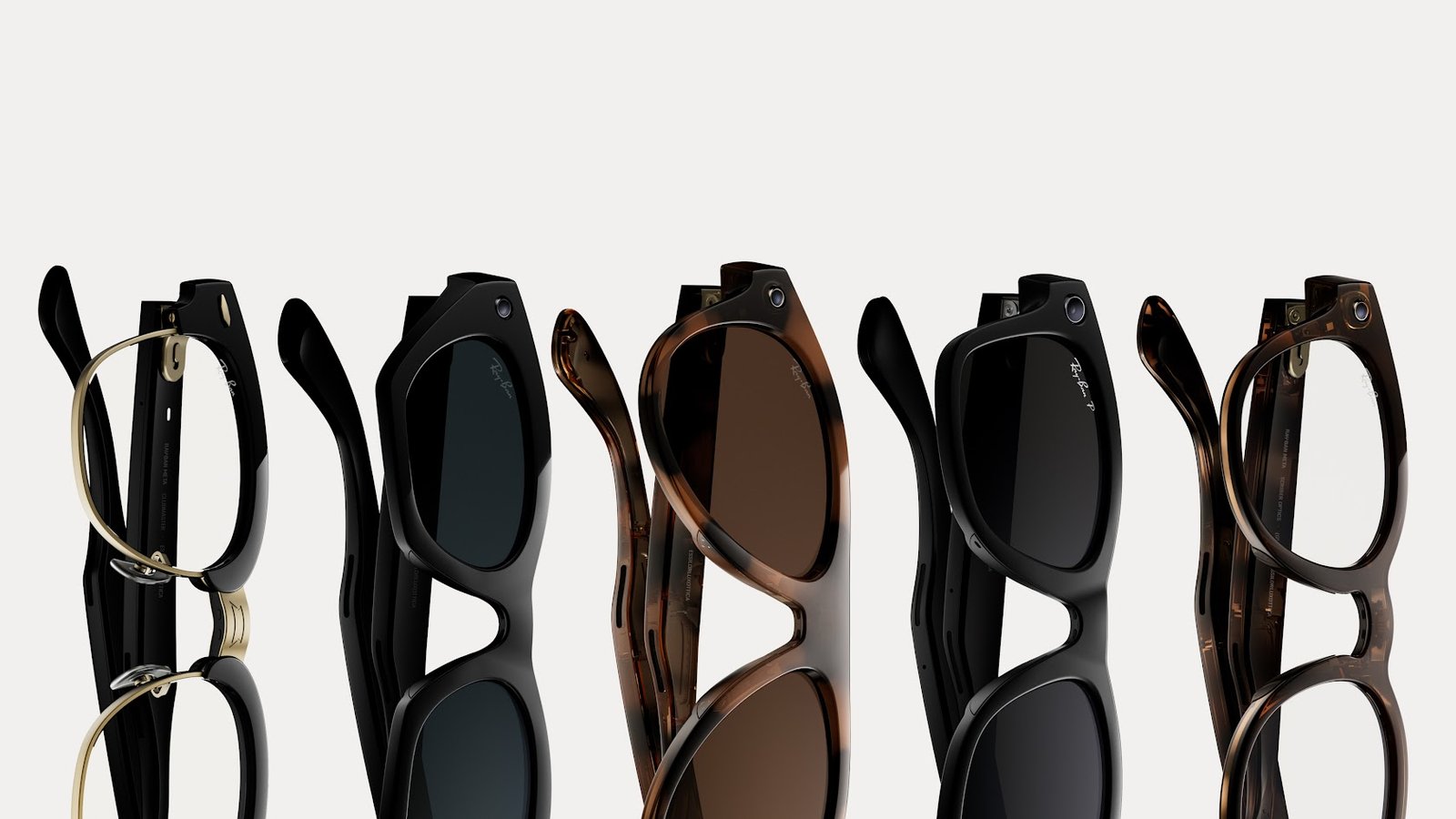
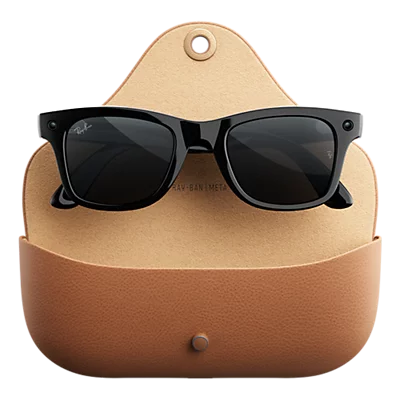
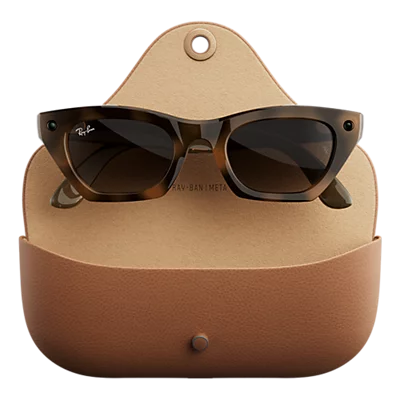
Meta officially revealed their new Gen 3 Ray-Ban Meta AI Glasses at Meta Connect in September. The classic Wayfarers return, while the Headliners and Skylers have been replaced with the Aviator and Zena styles. Only a year after Ray-Ban Meta Gen 2, are Gen 3 worth the upgrade? Let’s dive into our Ray-Ban Meta Gen 3 review to find out.
Design & Comfort: Lighter and Streamlined
A big complaint I’ve heard in the wild is that Ray-Ban Meta are quite heavy, especially for people not used to wearing glasses regularly, and let’s face it, carrying cameras, microphones, and a battery is of course going to be heavier than a normal pair. Thankfully, we have made massive strides since Gen 1. Going from Gen 1 to Gen 2 to Gen 3, the change feels noticeable, but nothing major; but putting on my Gen 1 and going straight to Gen 3, the weight difference is pretty apparent.
Not only did the weight come down, but the frames are also very slightly thinner. It’s not much of a difference, but when something is worn on your face for hours at a time, any difference is a major one. Ultimately, nothing crazy has changed since Gen 2; these feel very much like a refinement over a generational leap, but the changes are welcome nonetheless.

The Camera & Capture Experience: Slightly Better, Slightly Longer
Just like the comfort and weight upgrades, the changes on the camera and capture experience are small steps, not giant leaps. The camera lenses are slightly smaller, but still take crisp 3K video and 12MP stills. They still are great in decent lighting, and could be better in the dark, and they still have up to 5 minutes of recording time per recording. That said, the extra hour of battery life is helpful (up to 9 hours on Gen 3 vs up to 8 on Gen 2).
Ultimately, when it comes to camera and recording features, there isn’t much change over the Gen 2 as I laid out in my head-to-head comparison. There is one extra mic in the array (6-mic array on Gen 3 vs 5-mic array on Gen 2), but I hardly noticed any audio quality difference in my testing.
Core Features & Connectivity: How It Actually Works
For the unfamiliar, Ray-Ban Meta brings speakers to listen to your connected device, integrations with Spotify and other music services, built-in Meta AI functionality, and obviously, the ability to record.
New this year is the customizable Action Button. This new button next to the capture button allows you to set it to quite a few options, such as triggering Meta AI, launching Spotify, starting translations, and more. I have mine set up to activate Meta AI, which is very useful to trigger the AI in a quiet room if needed. Just like every generation, the glasses have a built-in privacy light when the cameras are in use, both for capturing and Meta AI, which is a welcome touch.
Meta’s new Muse AI Agent is also coming to the Gen 3 glasses soon. I’ve been using Muse with my Meta Fury AI Glasses, and it’s honestly the first time I’ve ever truly felt like Tony Stark with Jarvis in his ear. It’s a crazy experience, and a must-try for anyone utilizing AI in their workflows.
Pros and Cons
The Verdict: Is the Ray-Ban Meta Gen 3 Right for You?
If you are new to smart glasses and want the absolute best and newest on the market, the Ray-Ban Meta Gen 3 is definitely worth the pick up. Ray-Ban style is hard to beat; these feel like the most refined version of the Meta Glasses to date. However, if you have the Gen 2 (or find a deal on Gen 2), the Gen 3 aren’t necessarily worth the upgrade; they certainly are a more refined version, but not worthy of ditching your old pair.
That said, if the $449 price tag is giving you sticker shock, the non-branded Meta AI Glasses are just as stylish, just as functional, and will likely continue to get newer features first, such as Muse. We have a full buying guide on the Meta AI Glasses here to help you navigate the ecosystem.
Where to Buy
Check the links below for the most up-to-date pricing.